
Reviewing and organizing multimedia evidence for legal discovery often stalls when transcription, linking, and security controls require separate tools for each step. Many platforms demand enterprise contracts for core AI features or add premium costs for processing audio and video, making fast review and entity search out of reach for smaller litigation teams. This comparison covers transcription speed, evidence linking, and pricing flexibility across four legal discovery software options so you can choose the one that aligns with your firm's volume and workflow needs.
Table of Contents
- Caseflow
- TrialKit
- newcase.ai
- Lexbe eDiscovery Platform
- Comparative Analysis of Legal Discovery Solutions
Caseflow
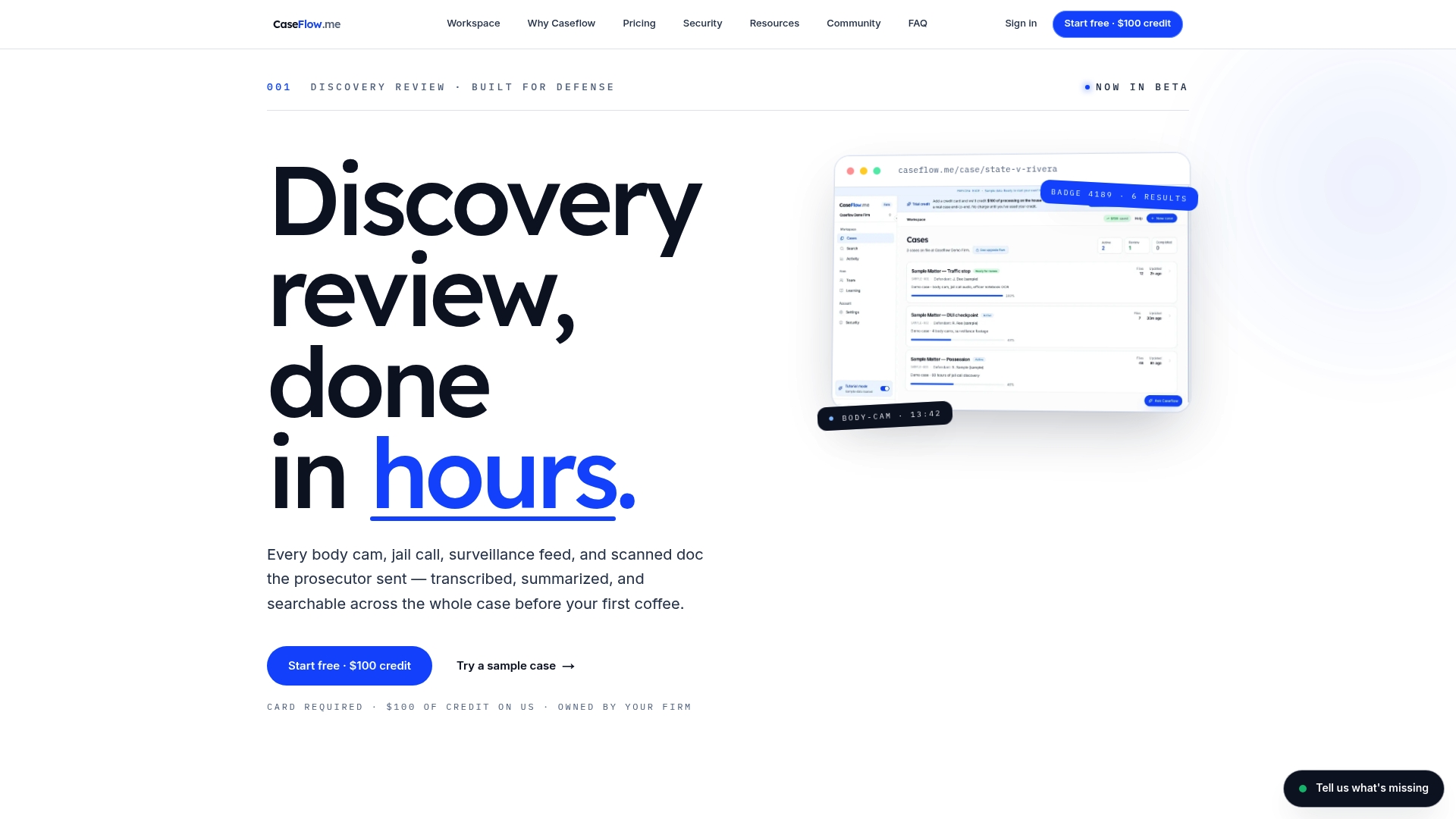
At a Glance
Caseflow's marketing materials state it can transcribe hours of body camera and jail call footage in approximately 30 minutes, trimming what many defense teams report takes days or weeks into hours. The product is currently in beta and includes a free $100 credit for initial testing.
Core Features
- Transcription and summarization for body camera footage, jail calls, surveillance video, and scanned documents.
- Entity detection and cross-file search for faces, badges, plates, and weapons that link results across evidence types.
- Brady-trail audit log that is immutable and exportable for court-ready chain of custody records.
- Multilingual transcription (20+ languages) with source-linked evidence at frame level for video and audio.
- Case organization tools, full data export in standard formats, and integrations with practice management and cloud storage.
Key Differentiator
Tailored specifically for criminal defense, Caseflow pairs rapid transcription and entity search with an audit trail designed for Brady and discovery obligations. That feature set is focused on evidence integrity and tracking who accessed what and when during case preparation.
Pros
- Built for defense workflows. The interface and export formats reflect courtroom needs rather than generic corporate document reviews.
- Fast processing supports rapid review. Referencing the processing speed claim above, teams running urgent evidence checks will find quicker turnaround than manual transcription.
- Data portability is explicit. Full exports in multiple standard formats reduce vendor lock and make sharing exhibits with co-counsel or opposing counsel straightforward.
- Multilanguage support helps offices handling Spanish or Arabic material without forcing separate vendors for translation.
- Predictable costs for a year. The beta includes a price lock for 12 months, which helps budgeting during adoption.
Cons
- Pricing is volume dependent and the per-GB model can become costly on large multimedia cases, especially when many hours of high-resolution video are involved.
Notable Integrations
- Dropbox
- Box
- AWS S3
- Clio
- PracticePanther
- MyCase
- Filevine (planned)
- REST API (planned)
Who It's For
Defense attorneys, public defenders, and law firms handling criminal cases with substantial multimedia evidence who need faster transcription, searchable entities, and court-ready audit trails rather than a general practice case management tool.
Unique Value Proposition
A 12-month price lock combined with a free testing credit reduces upfront budget uncertainty while keeping evidence portable. For public defender offices or small firms that must justify new tools to administrators, that combination lowers the adoption friction and lets you validate value before committing larger volume.
Real World Use Case
A defense lawyer uploads hours of body camera and jail call recordings for a homicide matter. Transcripts and summaries appear within the claimed processing window, entities are cross-linked across files, and the Brady-trail exports are prepared for disclosure and in-court authentication.
Pricing
$10 per GB processed with discounts at higher volumes. The vendor advertises a firm-wide annual cap of $25,000 on a 12-month contract and includes a free $100 credit for initial testing.
Website: https://caseflow.me
TrialKit
At a Glance
TrialKit's 4D visual link analysis surfaces relationships across documents, audio, and video so you can spot complex chains of evidence without sifting file by file. The platform also accepts unlimited diverse file types and layers AI-assisted search and multimedia insights on top of case data.
Core Features
TrialKit focuses on large, sensitive data sets and offers features built around that need.
- Natural language search for querying documents and transcripts without complex filters.
- 4D visual link analysis and customizable timelines for mapping relationships and events.
- Advanced multimedia analytics including transcription and exhibit lists for audio and video evidence.
- Collaborative workspace tools with dynamic case building and charts.
Key Differentiator
The product pairs strong security controls with AI-driven discovery to support both legal discovery and clinical workflows. That combination is intended for investigations where relational context matters as much as individual documents.
Pros
-
The vendor advertises SOC 2 Type II, TLS transport, and AES-256 encryption, which signals a security posture aimed at enterprise and regulated customers.
-
Role-based data access and case-level isolation let firms compartmentalize sensitive matters and limit visibility across teams.
-
Automated labeling and indexing trim time spent on manual organization and make large data sets searchable faster.
-
Multimedia insights and transcription improve review of audio and video exhibits and reduce replay work for investigators.
-
User reviews often cite good value relative to the feature set, and TrialKit offers customer support aimed at complex deployments.
Cons
-
New users report a steeper learning curve, especially for power features like visual link analysis and timeline customization.
-
Pricing can become expensive at scale, which pressures smaller firms or solo practitioners on tight budgets.
-
Some feedback describes the interface as dated, which increases training time for staff who expect modern UI patterns.
When It May Not Fit
If your practice handles only small, routine discovery loads, TrialKit's feature depth and onboarding effort will likely outweigh benefits. Smaller firms that need immediate, low-friction review tools and tight budgets will find the cost and learning curve poorly aligned with their needs.
Who It's For
TrialKit fits litigators, discovery teams, and healthcare organizations managing large, sensitive data sets that require relation mapping and strict access controls. Law firms with complex investigations or cross-media evidence will get the most value.
Real World Use Case
A litigation team used TrialKit to ingest terabytes of documents plus hours of witness interviews. They ran link analysis to expose a vendor relationship chain, used transcription to flag key timestamps, and enforced case-level isolation to separate privilege material during review.
Pricing
Not applicable — informational only. TrialKit commonly operates with enterprise licensing and custom quotes, so you must contact the vendor for current pricing and deployment options.
Website: https://trialkit.ai
newcase.ai
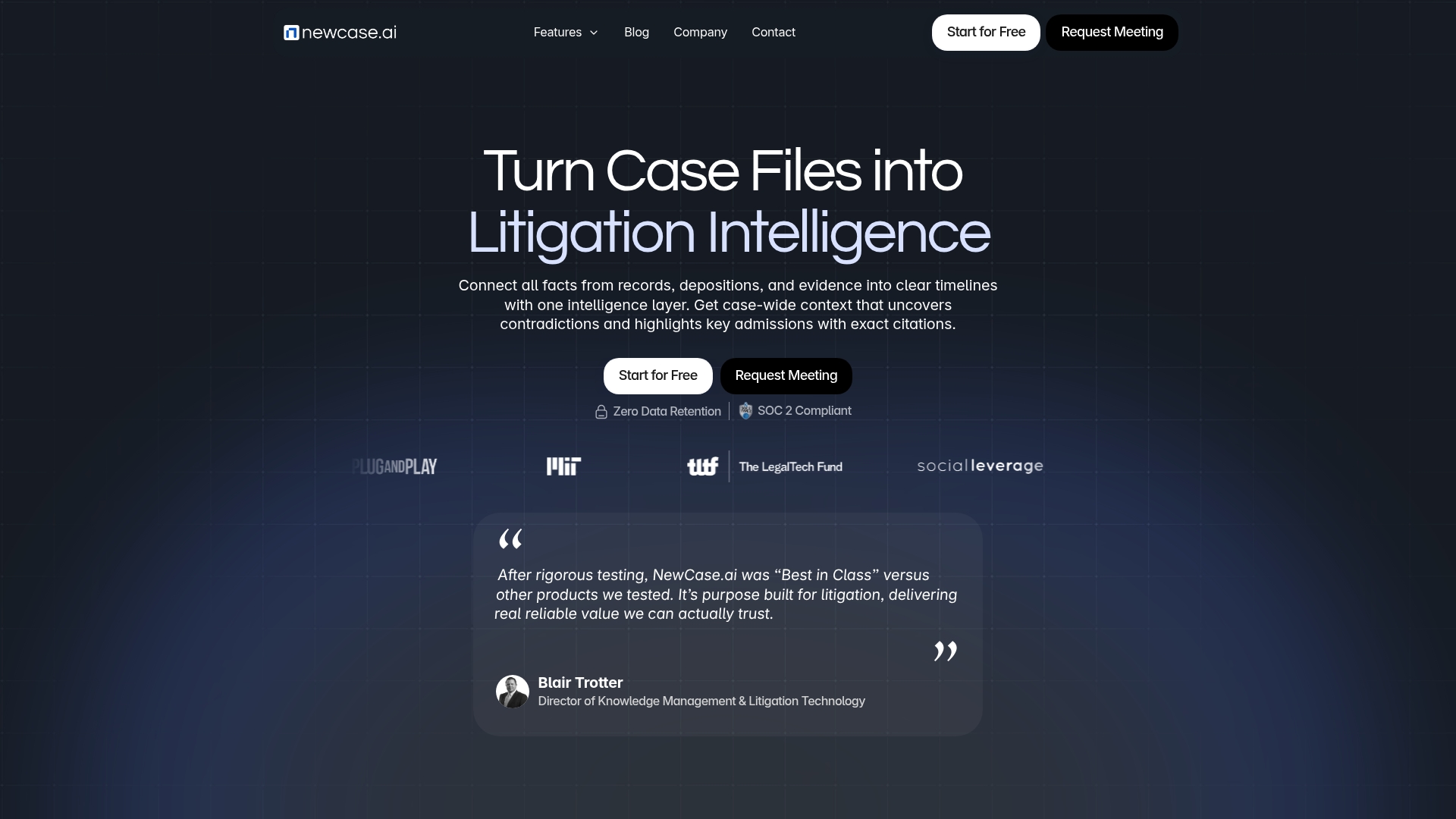
At a Glance
The vendor advertises zero data retention while operating under SOC 2 Type II and HIPAA compliant controls, a combination aimed at litigation teams handling sensitive files. That security and retention posture is the clearest claim that separates it from generic document tools.
Core Features
- Connects depositions, witness testimony, and case facts into a single searchable layer for cross-document queries.
- Automatically generates case timelines, concise summaries, and extracts key admissions from large evidence sets.
- Runs expert witness analysis and credibility checks to highlight conflicting opinions and prior testimony.
- Offers deposition preparation playbooks with suggested lines of questioning and strategy prompts.
Key Differentiator
Newcase.ai's central sell is a purpose-built intelligence layer that interprets relationships across documents and surfaces instant, verifiable facts. That unified approach is targeted at litigation work where linking a sentence in a deposition to a contradictory email can change strategy overnight.
Pros
- Effective extraction. The platform turns scattered case files into a searchable knowledge base that helps you find contradictions and patterns faster.
- Speed claim. According to the vendor, deposition summaries and initial case analysis that once took hours can be produced in seconds, which shortens prep cycles dramatically.
- Expert witness focus. Built-in credibility checks and witness profiles reduce the manual work of vetting opinions across dozens of reports.
- Security posture. The compliance claims above make Newcase.ai suitable for high-sensitivity matters and teams that require strict data handling controls.
- Evidence linking. Cross-document connections make it easier to map attorney strategy and trace inconsistencies across testimony and exhibits.
Cons
- Interface complexity. Third-party feedback notes a steep learning curve, especially for users who expect a simple document viewer.
- Pricing opacity. The vendor does not publish pricing, which often points to enterprise-tier contracts and can be a barrier for small firms.
- Feature gaps. Advanced cross-document linking and UI customization are areas users say could use further refinement.
When It May Not Fit
If your team needs a quick, out-of-the-box viewer for single-file matters, this tool's initial setup and training investment will feel excessive. Also, small firms with limited budgets should plan for enterprise-style procurement and onboarding.
Who It's For
Litigation teams, law firms, and litigation support professionals working on complex commercial or regulatory disputes where connecting testimony, exhibits, and chronology matters more than simple storage.
Real World Use Case
A firm processing thousands of deposition pages for a commercial dispute used Newcase.ai to surface contradictory admissions across witnesses. The team built a timeline, flagged credibility issues, and used the generated playbook to focus deposition questions ahead of trial.
Pricing
Pricing is not specified in public materials and appears positioned toward enterprise engagements. Expect contract-based pricing with scope and security requirements driving cost.
Website: https://newcase.ai
Lexbe eDiscovery Platform

At a Glance
Lexbe's marketing materials state it processes over 1 million documents per hour using 10,000+ CPUs, a claim aimed at high-volume litigators who need raw throughput. The platform pairs that speed with GenAI-powered assistants called Pilot and CoPilot to speed review and surface case insights.
Core Features
- GenAI-powered case analysis and review that extracts entities, timelines, and suggested issues for counsel to inspect.
- High-speed document processing covering ingestion, deduplication, OCR, and indexing for large data sets.
- End-to-end eDiscovery workflow including review, tagging, analytics, and production control.
- Collaborative review environment for internal teams and co-counsel with role-based permissions.
- Automated case reports and entity mapping pulled directly from source data to support strategy sessions.
Key Differentiator
Lexbe combines a marketed emphasis on raw processing speed with built-in GenAI assistants to reduce manual triage. That combination is tailored to teams that treat days saved in review as direct cost reductions rather than just convenience.
This focus makes Lexbe narrower than solutions that prioritize courtroom-focused audit trails or transcript synthesis. It targets mid-sized litigation shops that handle document-heavy matters and want AI suggestions embedded in the review flow.
Pros
- High throughput supports large matters. The processing claim above translates to shorter ingest windows and faster review start dates for big data sets.
- Built-in AI assistants reduce repetitive tagging and surface candidate documents for privilege or responsiveness, shrinking first-pass review effort.
- The interface is marketed as user-friendly with thorough support resources, which helps firms adopt DIY workflows without a lengthy vendor-managed onboarding.
- Pricing is described as transparent and flexible in vendor materials, with CoPilot reportedly included at no extra cost, removing some surprise line items.
- Runs on enterprise-grade cloud infrastructure on AWS, which aligns with common firm requirements for redundancy and security.
Cons
- Some users report certain UI elements feel unintuitive and occasional slowness during peak loads, which can interrupt tightly scheduled review sprints.
- Premium support or concierge services can incur extra fees beyond base plans, adding cost for firms that want white glove service.
- As a fully web-based product, offline access is limited, so review work without reliable internet is impractical.
When It May Not Fit
Lexbe is not ideal if your team needs extensive offline review capability or local network storage. If your firm relies on a strict on-premises compliance posture, Lexbe's cloud-first model will clash with procurement requirements.
Large enterprise shops that require bespoke integrations or a dedicated global account team may find the platform less tailored than managed enterprise suites, especially where vendor-led implementation is mandated.
Notable Integrations
- AWS cloud infrastructure
Who It's For
Mid-sized law firms and litigation teams handling high-volume electronic discovery who prioritize ingest speed, AI-driven review assistance, and predictable pricing. Best for teams that prefer a do-it-yourself model with vendor support rather than a fully managed service.
Real World Use Case
A regional insurance defense firm processed and reviewed over a million documents for a multi-party case using Lexbe. The team used CoPilot to surface custodial timelines and Pilot to generate entity maps, cutting the window from ingestion to production by several weeks according to the firm’s internal timeline.
Pricing
Lexbe's marketing materials emphasize transparent, predictable pricing and state that CoPilot is included at no extra cost. Exact tiers are vendor-supplied and presented on request; contact Lexbe for a detailed quote based on your case volume and service needs.
Website: https://lexbe.com
Comparative Analysis of Legal Discovery Solutions
Selecting the appropriate legal discovery tool involves evaluating platforms that align with case-specific requirements. Each reviewed option demonstrates strengths suited to particular workflows or organizational needs.
Processing Speed and Throughput
Caseflow.me specializes in rapid transcription of multimedia evidence, claiming processing times of approximately 30 minutes for hours of data. This feature is particularly advantageous for defense attorneys managing time-sensitive cases with numerous files requiring analysis. Conversely, Lexbe’s platform excels in large-scale document ingestion, boasting speeds exceeding one million documents per hour. For firms handling high-volume digital evidence, Lexbe provides throughput capabilities compared to other evaluated tools.
Analytical and Discovery Features
TrialKit shines in its 4D visual link analysis and customized timelines, enabling users to uncover and map complex interrelationships within diverse data sets. This capability is critical for organizations conducting investigations, where visualizing evidence interconnections enhances strategic understanding. Meanwhile, Newcase.ai’s strength lies in its cross-document query system and deposition-centered analysis, offering utilities like witness credibility assessments, which aid legal teams during the discovery phase.
Best Fit Recommendations
- Caseflow.me: Best for defense-focused practices requiring efficient, multimedia evidence processing accompanied by tools ensuring Brady-compliant transparency.
- TrialKit: Recommended for firms needing investigative tools with advanced visualization and cross-platform analysis capabilities.
- Newcase.ai: Suitable for teams focusing on deposition analysis, expert witness evaluations, and high-security compliance environments.
- Lexbe eDiscovery Platform: for mid-sized law firms prioritizing high-speed data ingestion and AI-assisted document review in electronic discovery scenarios.
Our Pick: Caseflow.me
Caseflow.me leads in its tailored utility for criminal defense practices. Its combination of fast transcription speeds, entity linking, and commitment to evidence portability makes it suitable for defense teams needing scalable multimedia analysis. However, firms requiring large-scale document ingestion or advanced visualization for extensive investigations should consider Lexbe or TrialKit as appropriate alternatives.
Legal Discovery Software Comparison
Selecting the right legal discovery software involves evaluating factors like core functionality, unique features, cost, and limitations to determine the best fit for your requirements.
| Product | Core Feature | Key Differentiator | Ideal For | Pricing | Limitation |
|---|---|---|---|---|---|
| Caseflow | Multimedia transcription and search | Tailored for defense Brady and discovery needs | Defense attorneys handling evidence-intensive cases | $10/GB, $25k annual cap | Costs may escalate for extensive video cases |
| TrialKit | 4D visual link analysis | AI-assisted relational mapping | Litigators managing large, sensitive data sets | Not disclosed | Steep learning curve for advanced features |
| newcase.ai | Cross-document linking and insights | Zero data retention with SOC 2 compliance | Complex litigation requiring data correlation | Not disclosed | Complex setup and enterprise-level pricing focus |
| Lexbe | High-speed document processing | GenAI-powered analysis assistants | Mid-sized firms needing rapid eDiscovery | Not disclosed | Limited offline access and occasional UI friction |
Discover Why Caseflow Stands Out Among Justly.com Alternatives for Legal Software
Handling large volumes of multimedia evidence can turn case preparation into a time-consuming challenge. Many criminal defense attorneys face delays of days or weeks while transcribing, searching, and organizing body camera footage and jail calls. Caseflow addresses these exact pain points by delivering rapid transcription, entity detection, and a transparent Brady-trail audit log—all tailored for defense workflows. Its multilingual capabilities and full data export options further ease collaboration and reduce hidden costs.
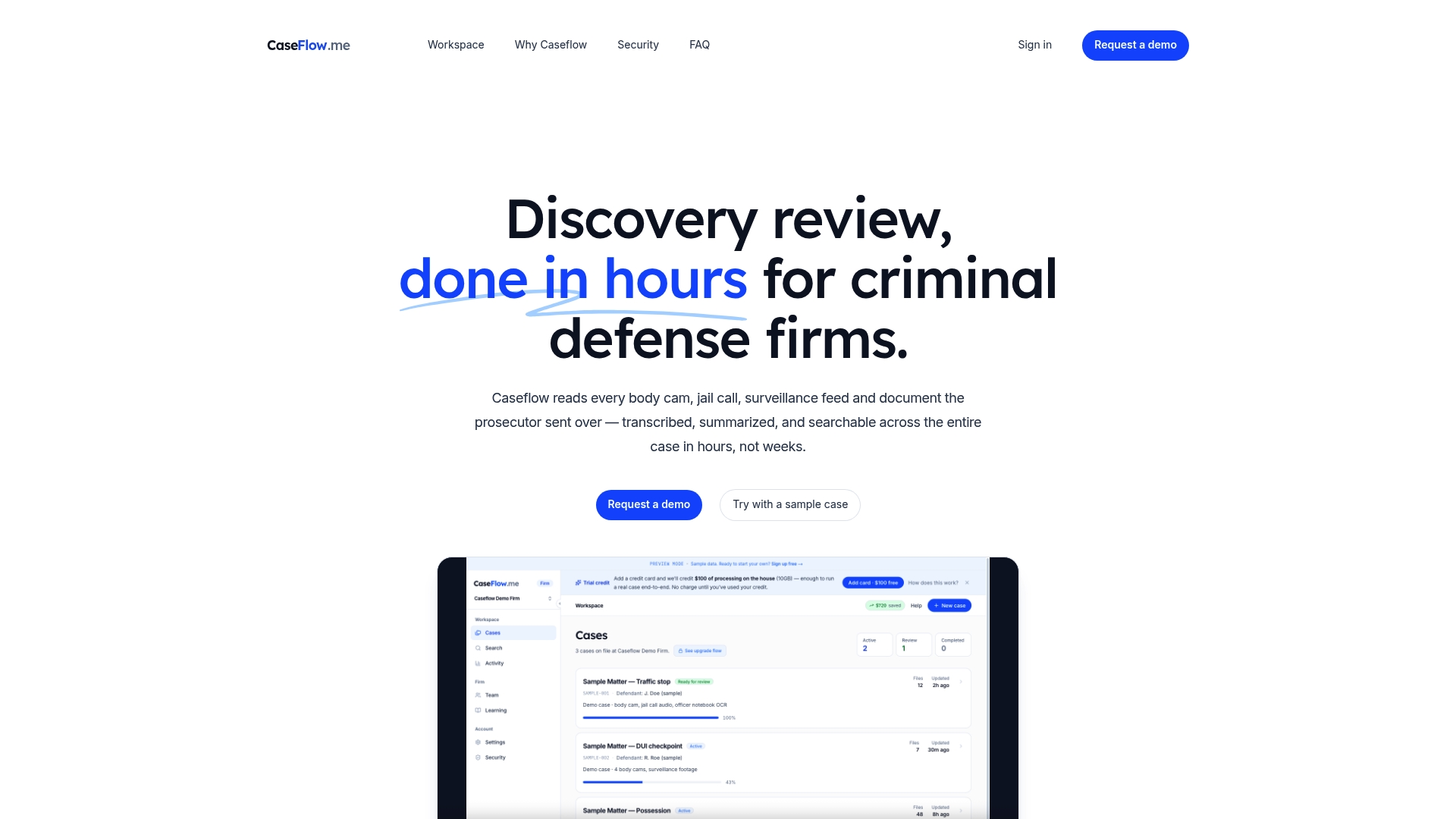
Don’t let slow evidence review hinder your defense strategy. Visit Caseflow to start with a free $100 credit and experience how you can have transcripts, summaries, and searchable entities ready within hours. Take charge of your discovery process and generate court-ready audit trails that support compliance and case integrity.
Frequently Asked Questions
How does Caseflow handle body camera footage transcription compared to other software?
Caseflow efficiently transcribes body camera footage in approximately 30 minutes, significantly reducing the time from days or weeks commonly reported by defense teams. This rapid processing capability is particularly beneficial for defense attorneys requiring swift access to evidence for case preparation.
What is the difference between Caseflow and TrialKit in terms of data security features?
TrialKit offers strong security controls, including SOC 2 Type II compliance and data compartmentalization for sensitive matters. While TrialKit excels in securing the sensitive data sets, Caseflow specifically focuses on rapid transcription and audit trails, making it ideal for criminal defense workflows that prioritize evidence integrity.
Which platform provides better support for multilingual cases, Caseflow or Newcase.ai?
Caseflow supports multilingual transcription for over 20 languages, making it suitable for firms dealing with Spanish or Arabic materials. This feature ensures that legal teams can efficiently manage and transcribe diverse languages without the need for separate translation vendors.
Can I rely on Caseflow for managing high-volume multimedia evidence?
Caseflow is designed to handle substantial multimedia evidence, offering features like entity detection that link results across different evidence types. This capability is crucial for defense teams dealing with large volumes of evidence in criminal cases, ensuring thorough organization and quick access to relevant information.
How does the pricing structure of Caseflow compare to Lexbe?
Caseflow charges $10 per GB processed, with a 12-month price lock that provides budget certainty, while Lexbe's pricing is presented on request and tailored to specific case volumes. The transparency and predictability of Caseflow's pricing make it a favorable option for teams managing varying evidence loads.